PenguinAI Medical Coding
AI coding with chart evidence
- Capabilities
- ICD-10-CM coding of each encounter as its own note, HCC risk adjustment coding, Home health aftercare coding (PDGM), Chart summaries, Coder decisions
- Category
- Productivity
- Developer
- Penguin AI
- Website
- (opens in a new window)
How it works
AI-assisted coding: the AI suggests codes, and a qualified coder makes every decision. Turn a de-identified chart into coding suggestions, each backed by a quote from the chart. What it does: - ICD-10-CM codes: splits the chart into visits and codes each one. You get a main diagnosis plus the other diagnoses the visit supports. - HCC risk adjustment: codes each eligible visit with MEAT evidence and maps the codes to CMS-HCC v24, v28 and RxHCC, year by year. - Home health (PDGM): finds the main diagnosis and its PDGM group, then lists the other diagnoses in order. - Chart summary: conditions, medications, results, allergies and a visit timeline, each linked to its page and line. No codes. - Coder review: accept or reject any suggested code. Your name is recorded with the decision. Good to know: - Every code has a quote that is really in the chart. No quote, no code. - Send de-identified charts only. Each chart is checked for patient details such as names, phone numbers and dates of birth. If any are found, the chart is refused and you are told what to remove and where. Dates: - Accepted: dates of service, visits, admissions, discharges, labs and signatures, in full, for example 'Date of service: 2025-05-12'. HCC risk adjustment needs the full date of service. - Refused: a full date of birth or date of death. Write the year only, for example 'DOB: 1954'. - A visit with only a year is not eligible for HCC, and the result tells you why. - Results always show the year only, for example '2025, encounter 1'. Sign in with your Gwen account (gwen.penguinai.co). Each request uses Gwen credits. This is AI-assisted coding, not automated coding. Results are suggestions for a qualified coder to review and accept or reject. They are not billing decisions.
What else can you do?
Review diagnosis code suggestions
PenguinAI Medical Coding Code my attached de-identified chart: ICD-10 codes with HCC mappings and evidence.
Summarize the chart timeline
PenguinAI Medical Coding Summarize my attached de-identified chart: diagnoses, medications and timeline, with citations.
Review home health sequencing
PenguinAI Medical Coding Review this de-identified home health start-of-care chart for our coder. Suggest the principal diagnosis and PDGM group, sequence the secondary diagnoses, and quote the chart evidence supporting each choice.
What’s included
App
- PenguinAI Medical Coding
Skill
- medical-chart-coding
Resources
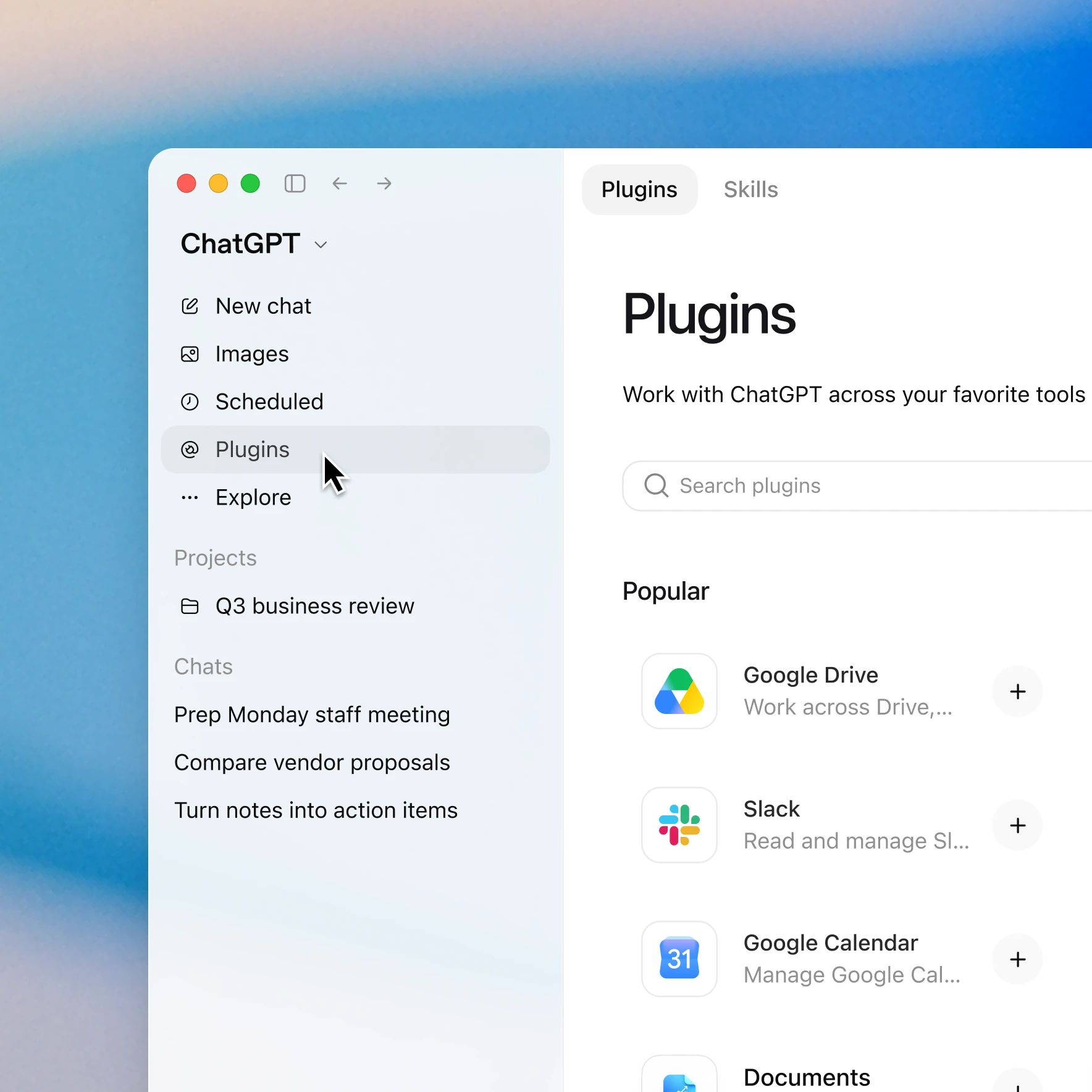
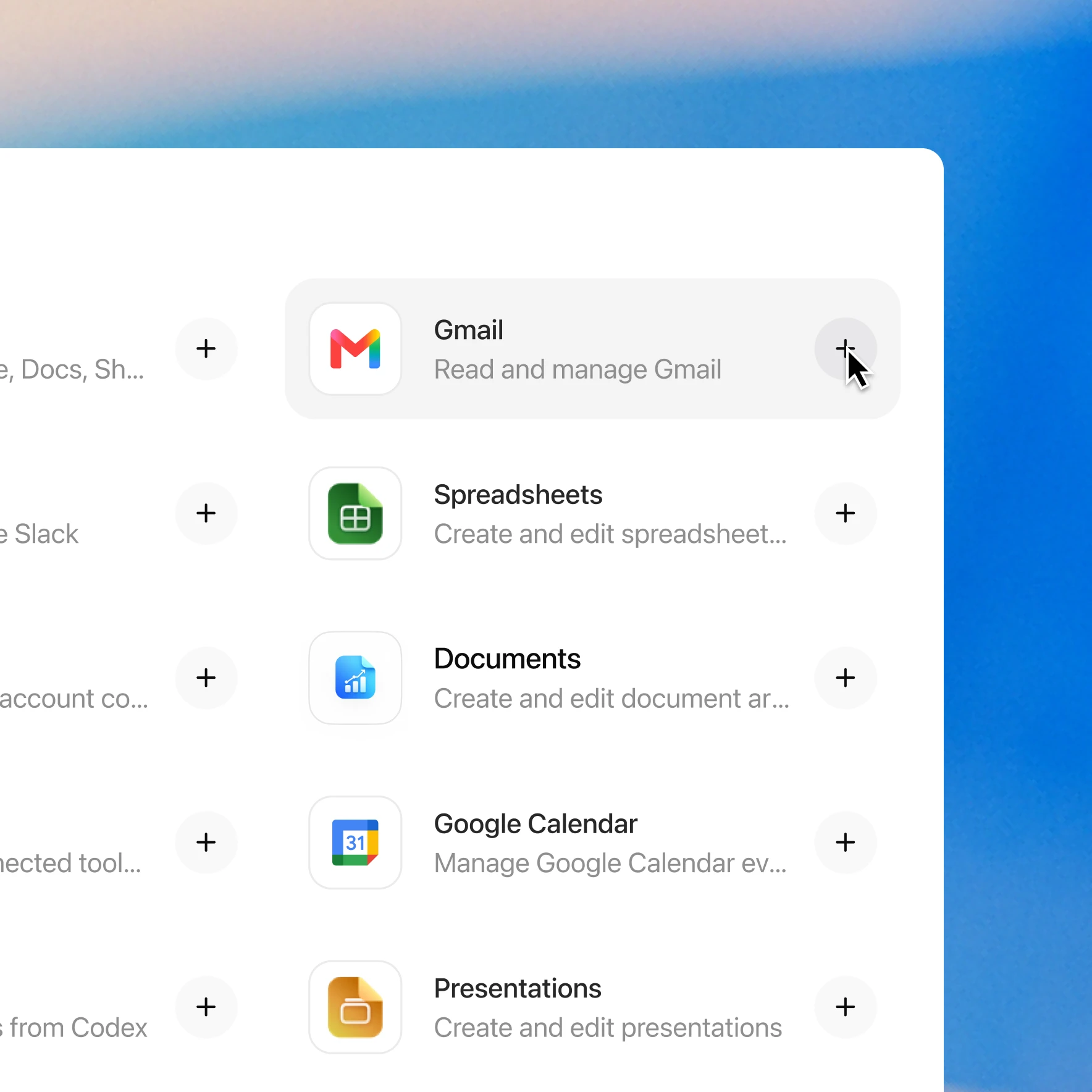
Add the PenguinAI Medical Coding plugin in a few clicks
Availability depends on the plugin, your plan, and workspace settings. Some connections require admin setup or approval. Contact your workspace admin if access is blocked.