Scale your team with workspace agents
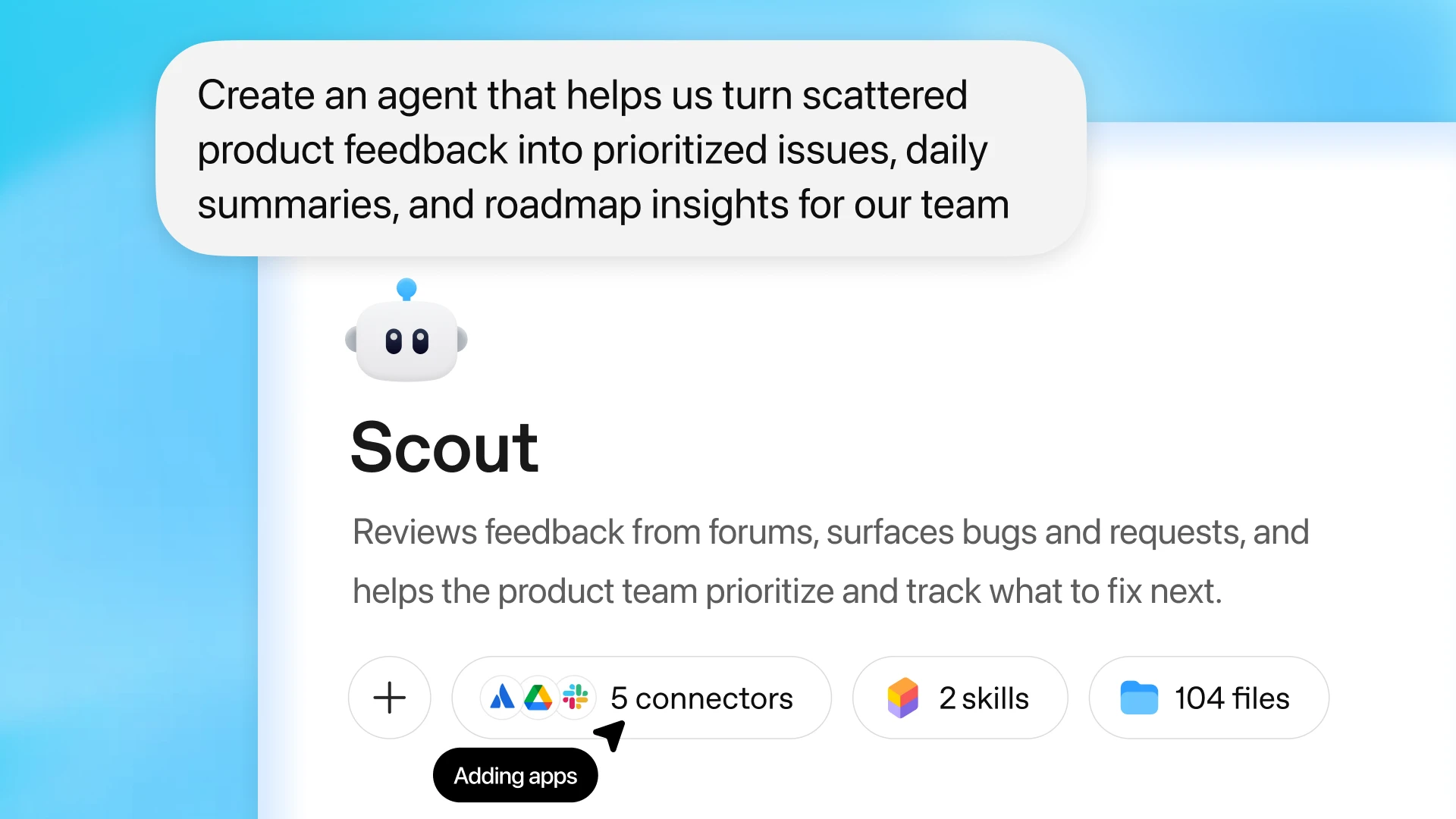
Build agents in ChatGPT that take on entire workflows on their own, so your teams can focus on higher-impact work.
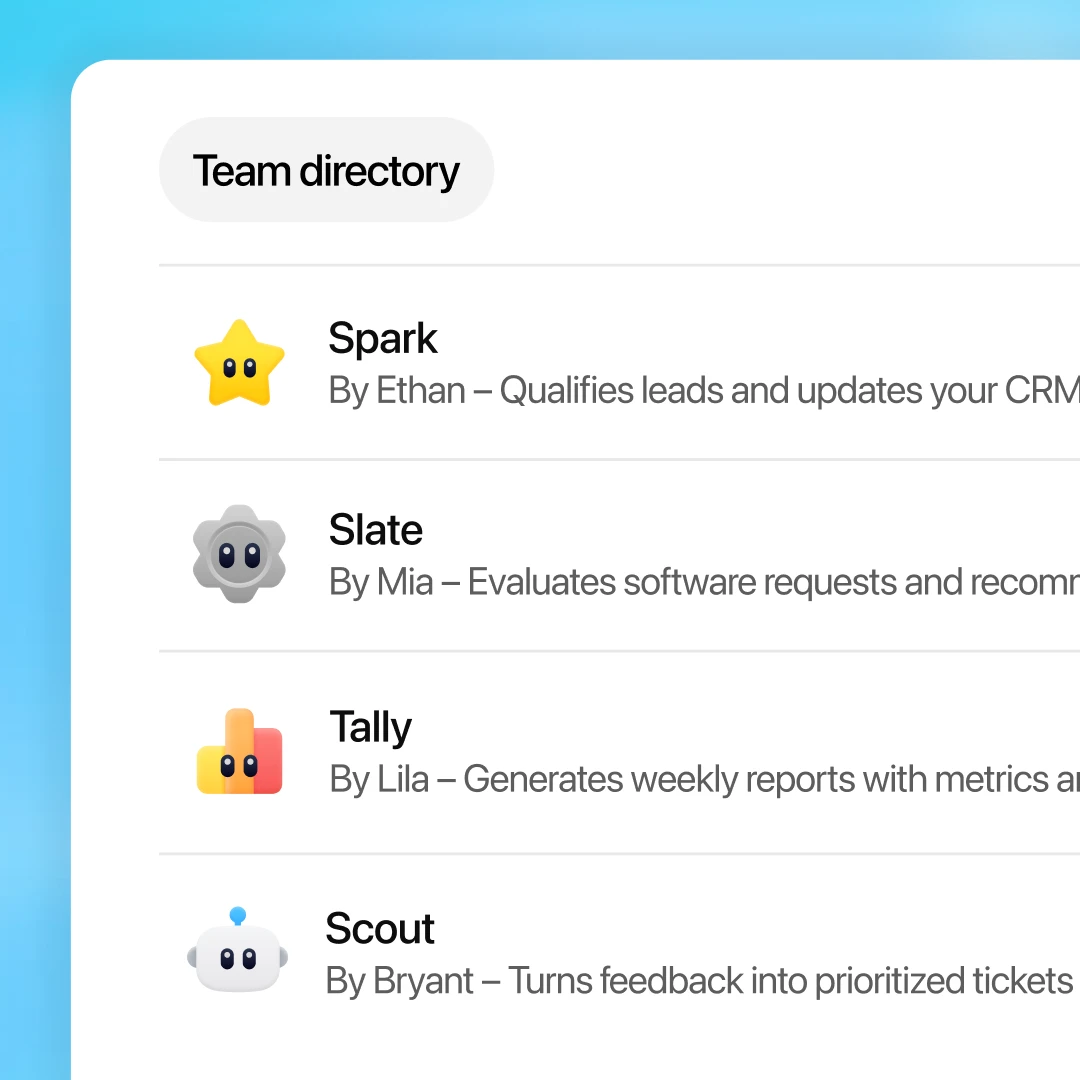
Customizable agents that run real work
Build once. Scale across your team.
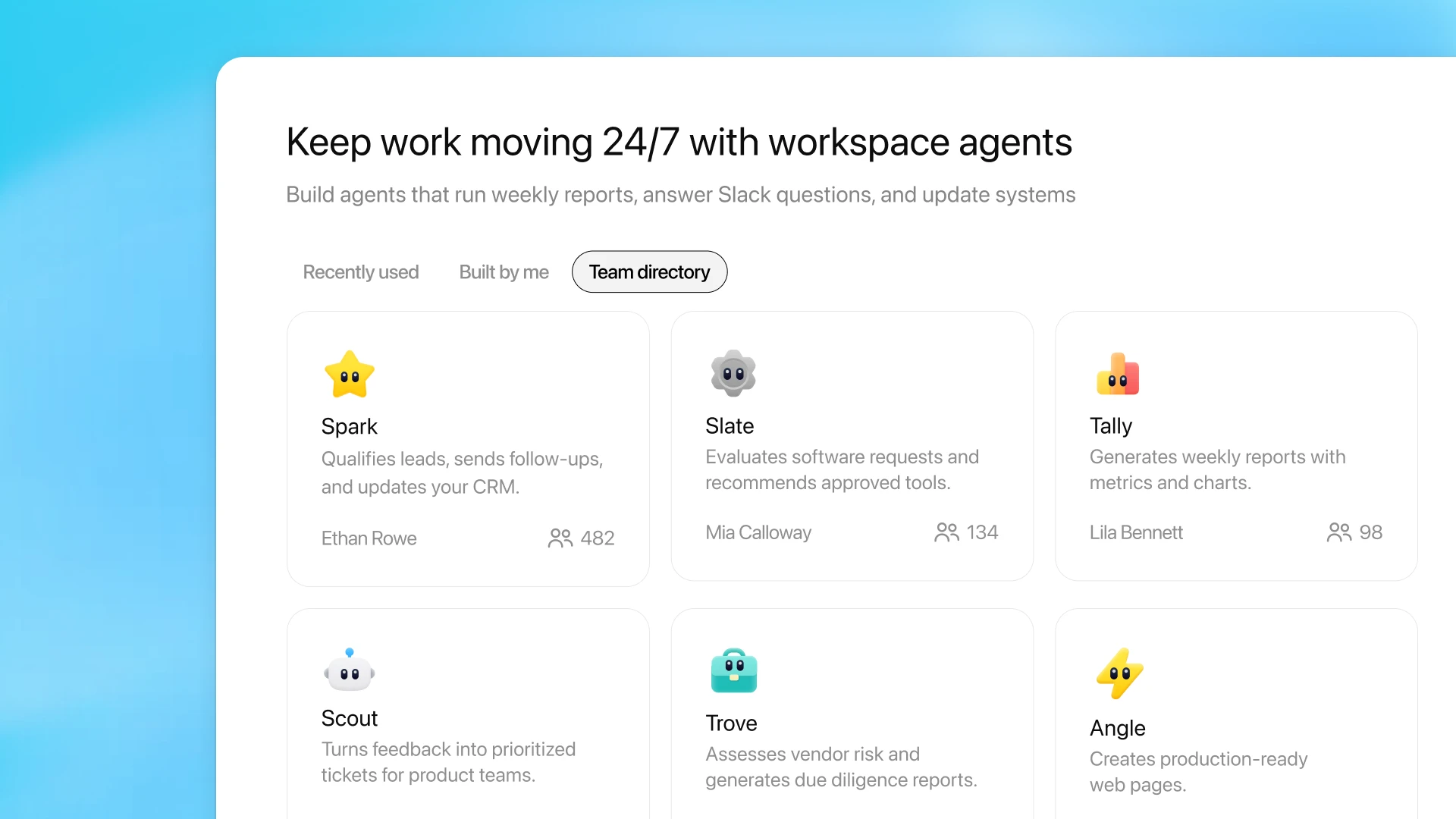
Create an agent once and share it across your workspace so teams follow the same workflows and best practices.
Work that runs itself
Run agents on schedules to handle recurring tasks like reviewing leads, summarizing support requests, or generating reports.
Keep work moving across tools
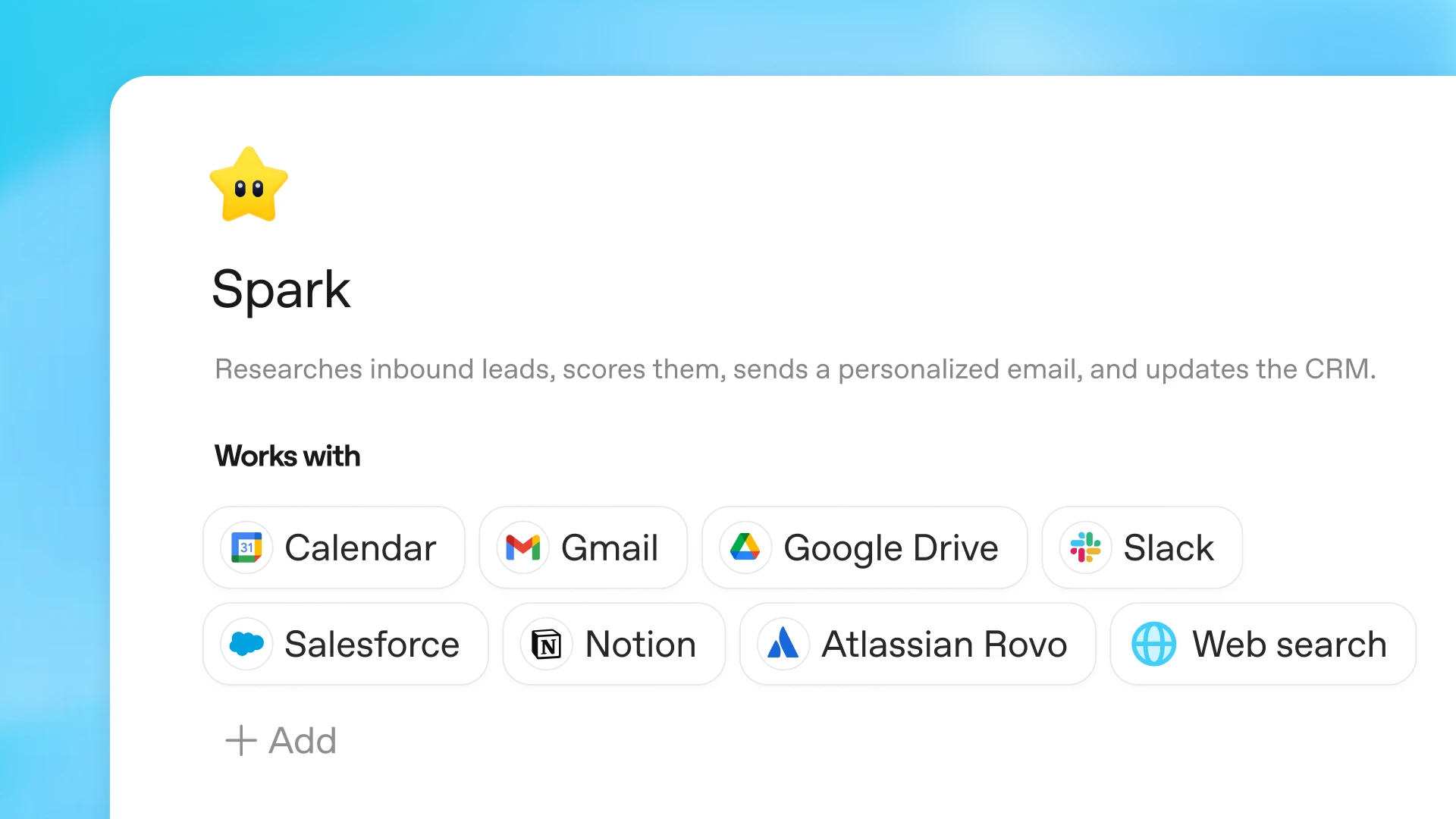
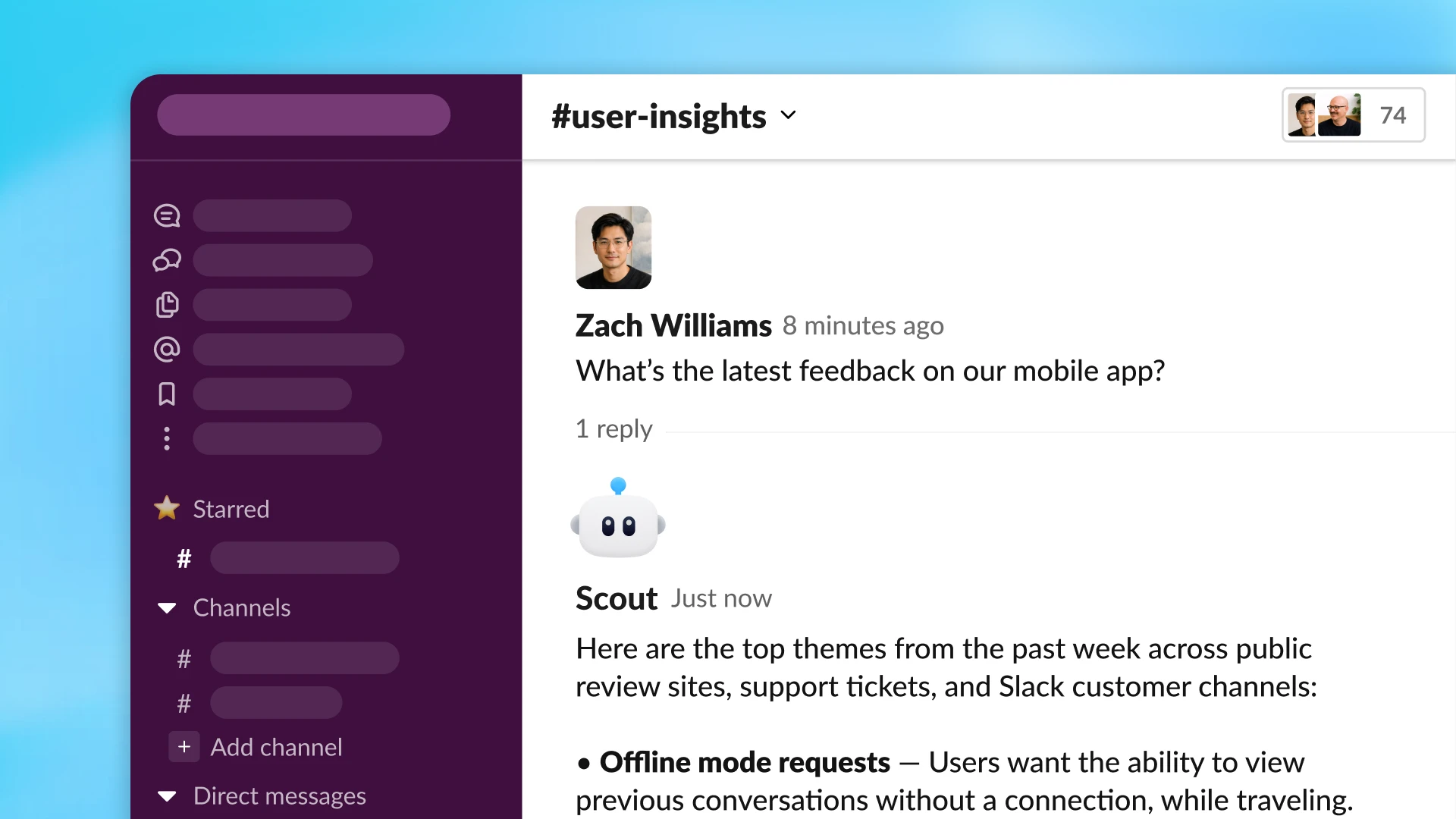
Agents use your tools to gather information and take action, like updating tickets, editing documents, or sending messages, without step-by-step guidance.
Automation with control
Admins define permissions, approval checkpoints, and monitoring so teams can automate workflows with visibility and oversight.
Boost productivity in your organization by building and deploying agents that own entire workflows
Agents for every team
From sales and IT to finance and product operations, teams use agents to automate research, routing, reporting, and lead outreach—freeing employees to focus on higher-value work.
Built securely for enterprise
Agents run workflows across teams while remaining fully governed by your organization.
Role-based access control
Admins can control who can build and use agents, and which tools, apps, and actions those agents are allowed to access.
Audit logs and monitoring
Track agent activity and review logs to understand what agents did and how workflows were executed.
Approval gates for sensitive actions
Require human approval before agents take actions like sending messages or updating records.
Centralized management for admins
Manage agents, permissions, and integrations from a central admin console so teams can scale automation safely.
Explore more

Business overview
Explore plans, pricing, and enterprise features to deploy ChatGPT across your organization.
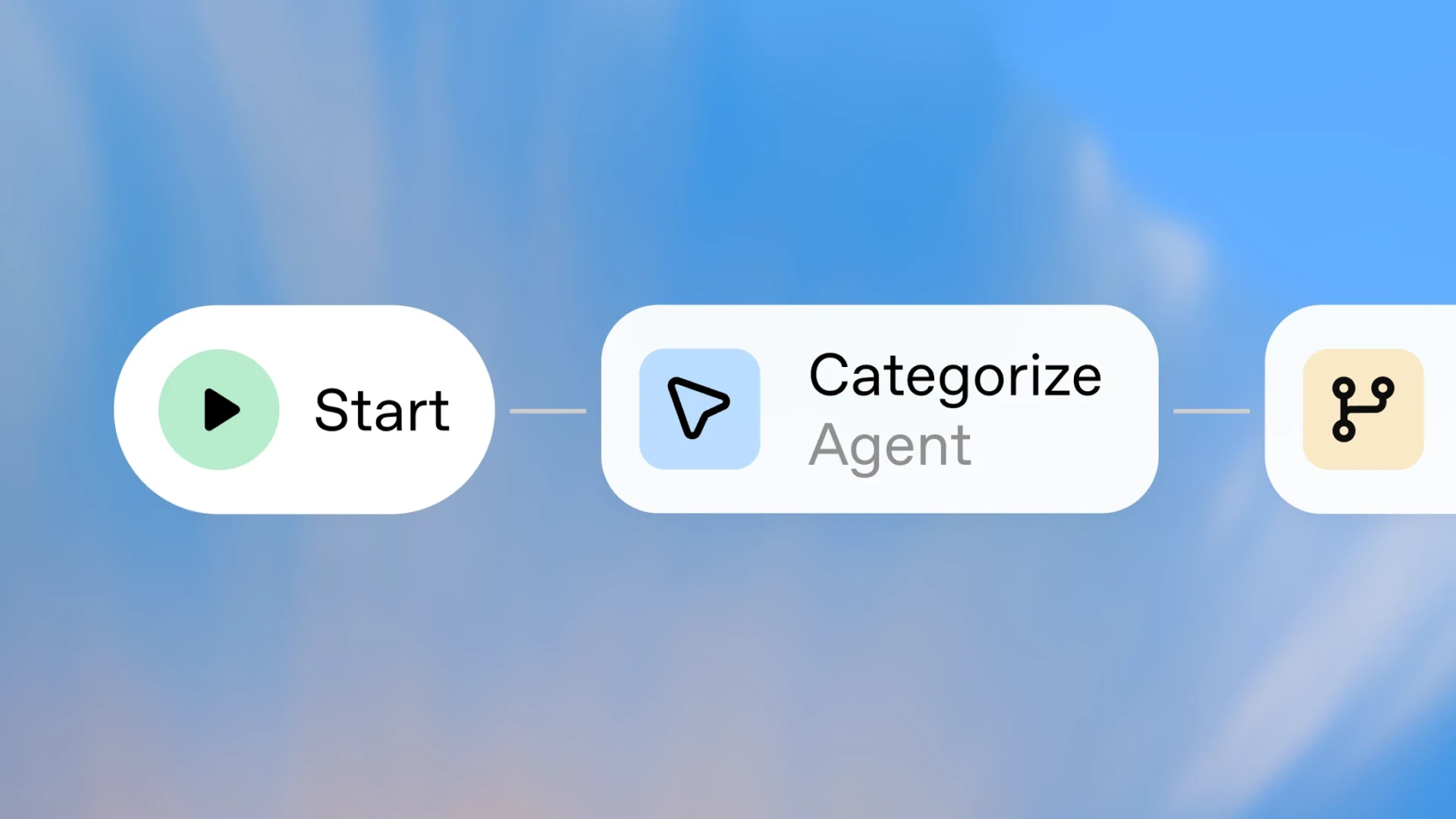
Agent solutions
Discover how teams apply AI agents across sales, operations, IT, and customer success.
OpenAI Frontier
Learn how to manage and scale AI securely across your organization on a single enterprise platform.